Next Steps After Reservation

1. Reserved
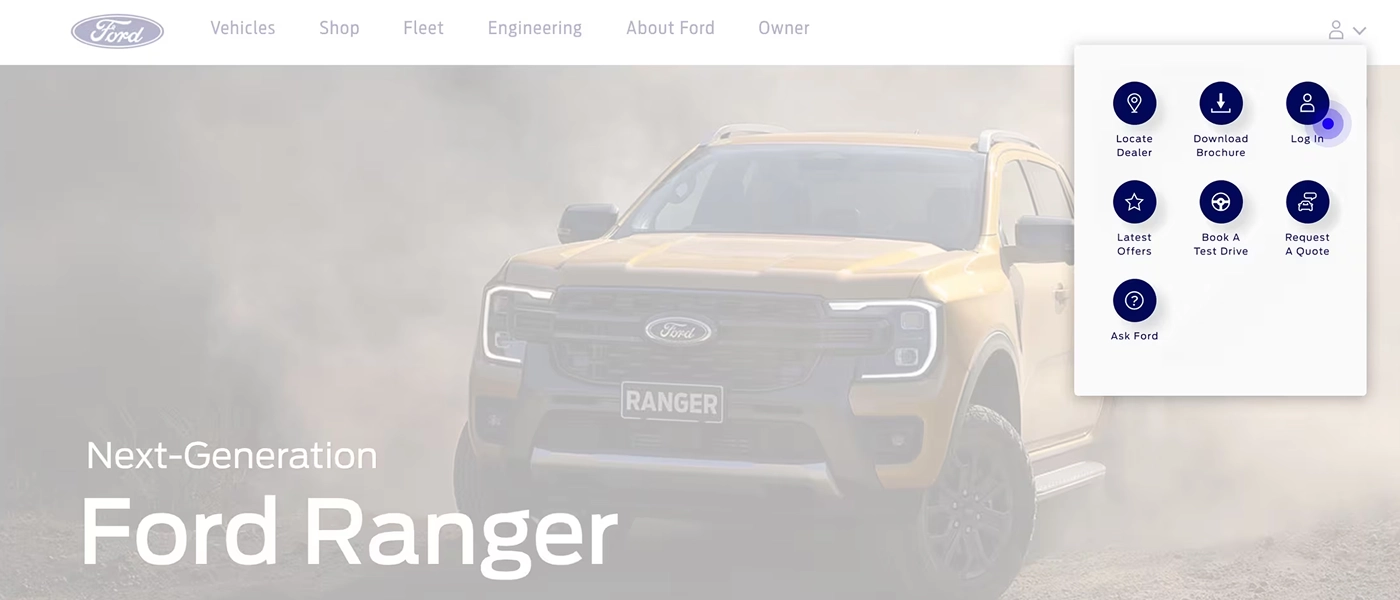
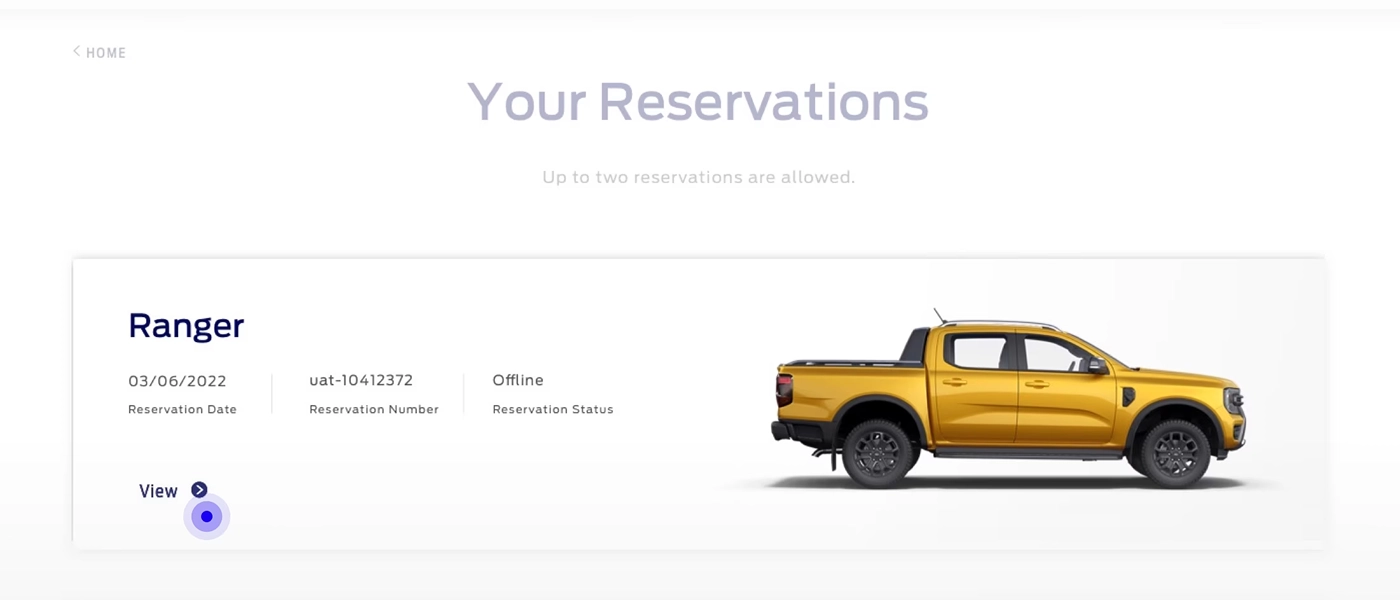
Once your reservation fee has been received, we’ll send you an email confirming your reservation has been placed. You can then track the progress of your reservation through your Ford Account.

2. Transact with Dealer
After reservation your dealer will call you or you can call your dealer to finalize pricing

3. Confirm Order
Your dealer will inform you when you should sign the purchase agreement

4. Manage Payment
Your balance can be taken by your selected dealer through your preferred payment method or available payment method at dealer

5. Pick Up Your Ford
Your delivery time will depend on when you ordered. An estimated delivery date will be provided to you when you sign the purchase agreement with the dealer
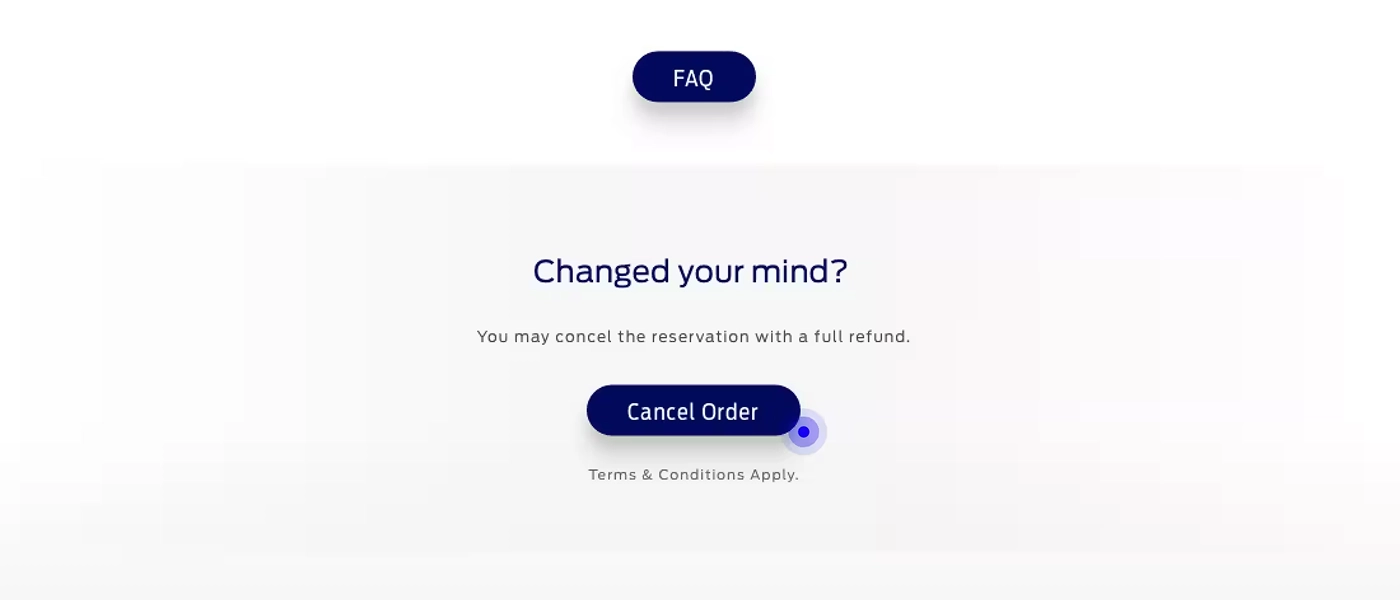
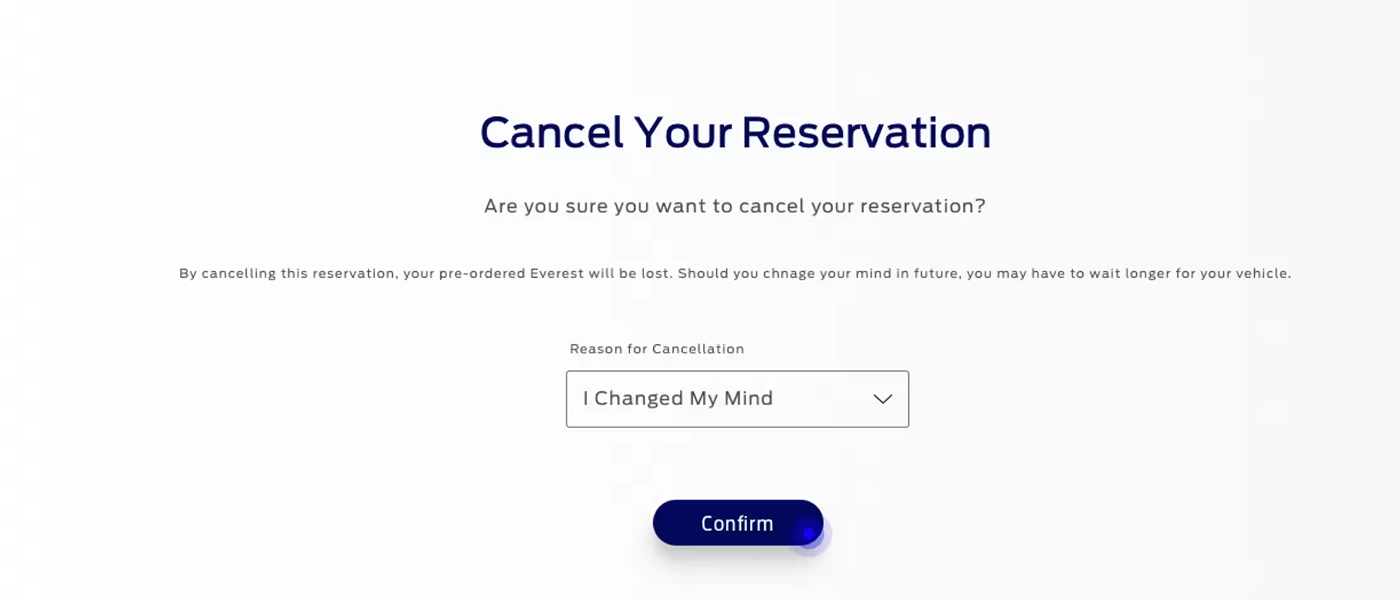
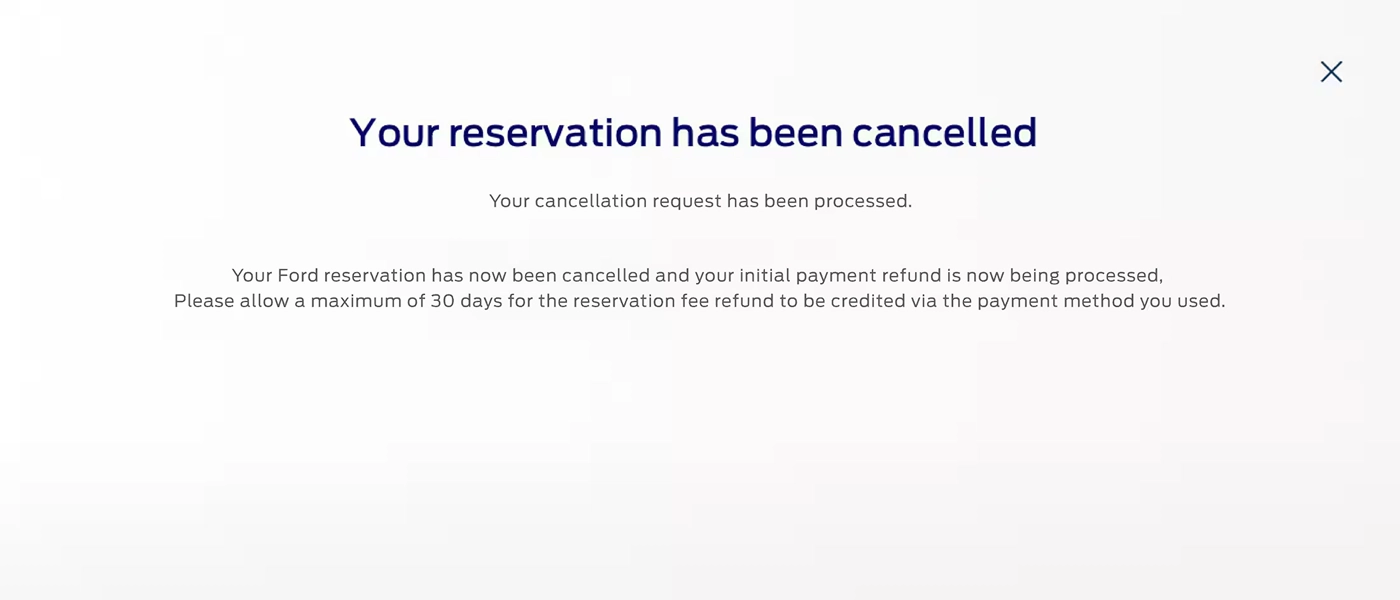
Cancel & Refund
Frequently Asked Questions (FAQs)
What is the next step after reservation?
Your selected Ford Dealer will then contact you to guide you through the order confirmation process.
What are the different reservation statuses and what is the meaning of each?
1. Reserved - When you successfully reserve your vehicle online. You are able to cancel online with a full refund.
2. Delivery Scheduled - After you finalize the deal to confirm the vehicle order with your Ford Dealership, your Ford Dealer will change the status to Delivery Scheduled. At this point, you will no longer be able to cancel online. But you will be able to request your Ford Dealer to cancel for you if required.
2. Delivery Scheduled - After you finalize the deal to confirm the vehicle order with your Ford Dealership, your Ford Dealer will change the status to Delivery Scheduled. At this point, you will no longer be able to cancel online. But you will be able to request your Ford Dealer to cancel for you if required.
What is a Ford Account and why do I need one?
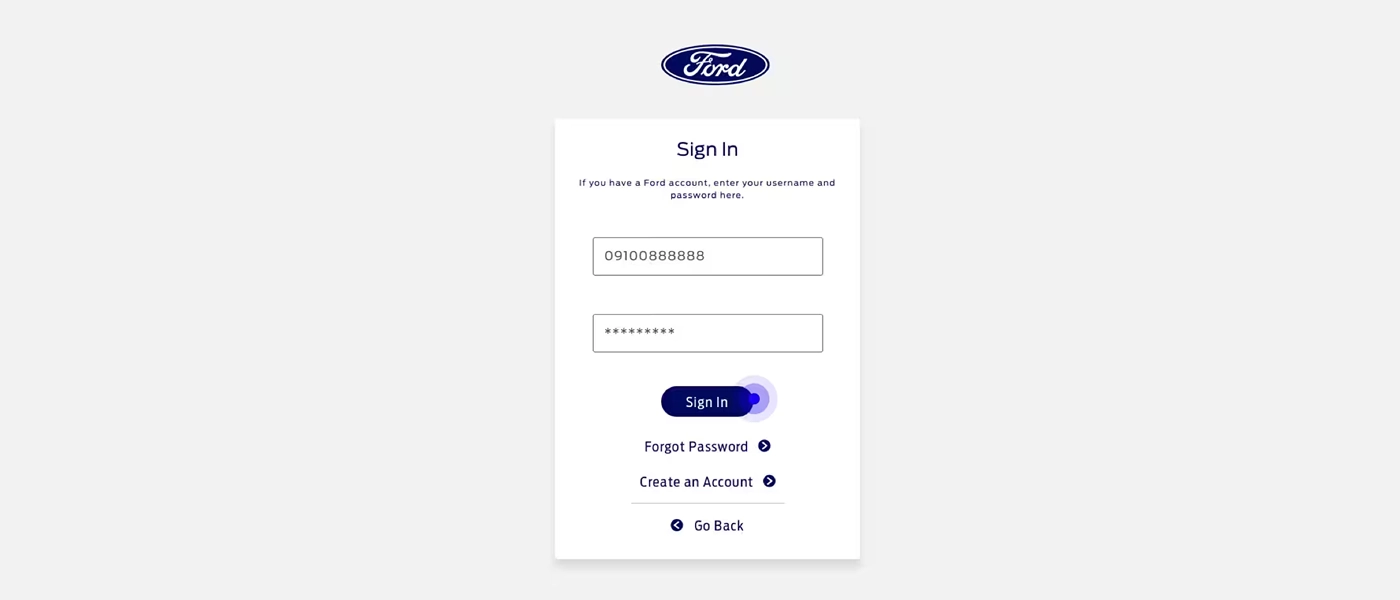
A Ford Account lets you sign into the Ford website to save and manage your personal and reservation information. You are required to create a Ford Account to reserve a vehicle online. All reservations made online can be tracked in your Ford Account at https://www.ford.com.ph/myaccount.
Can I make changes to my online reservation?
Reservation once done online cannot be edited through the website. However, you may request your Ford Dealer to provide support to change the specification of your reservation offline. Your Ford Dealer will protect your early access privilege that you got by making a reservation online.
Can I cancel my reservation?
Yes. You can cancel your reservation anytime and receive a full refund. You can do this from your account at https://www.ford.com.ph/myaccount. If for some reason, you cannot process the cancellation online you can contact a Ford Customer Experience Representative at +63-2-8866-9408 or 1-800-10-736-3673. Upon cancelling, allow 3-4 weeks for the PhP 10,000 Reservation Deposit to be credited to your original form of payment.
When can I order my Vehicle?
You may reserve your vehicle online from https://www.ford.com.ph/build-and-price to secure early access. You may connect to your Ford Dealer to confirm the order.
When will I take delivery of my vehicle?
Actual delivery time may vary based on the vehicle model and configuration selected, your location & demand. Your Ford Dealer will keep you up to date and provide more detail about delivery timing once the process is underway.
Am I buying this vehicle directly from Ford?
No. The Purchase Agreement shall be between you and the Ford Dealer and not Ford. Your Reservation Deposit is sent to your selected dealership.
By completing the reservation process, you are not ordering or purchasing a vehicle and it does not guarantee your vehicle delivery. Your reservation does not guarantee a set price for the Vehicle. You will agree on the final price and deal structure with your Ford dealership before signing a purchase agreement with them
By completing the reservation process, you are not ordering or purchasing a vehicle and it does not guarantee your vehicle delivery. Your reservation does not guarantee a set price for the Vehicle. You will agree on the final price and deal structure with your Ford dealership before signing a purchase agreement with them
How many reservations can I make, and can I transfer my reservation?
Customers can make up to 2 reservations per nameplate through their user account. A reservation number will be assigned that cannot be transferred.
By completing the Reservation Process, you are not ordering or purchasing a vehicle. Participation in the Program does not guarantee you vehicle delivery. Price shown on website or at online reservation is not the final price. Your Reservation does not guarantee a set price for the Vehicle. You shall agree on the final price and deal with your Ford dealer before signing a purchase agreement.
If I change my mind during the process, am I obligated to buy?
Not at all, you are under no obligation to buy the vehicle until you sign the final contract with your dealer. If you do change your mind, you may cancel the reservation online or let the dealer know to receive the full refund.
How can I see the status of my reservation?
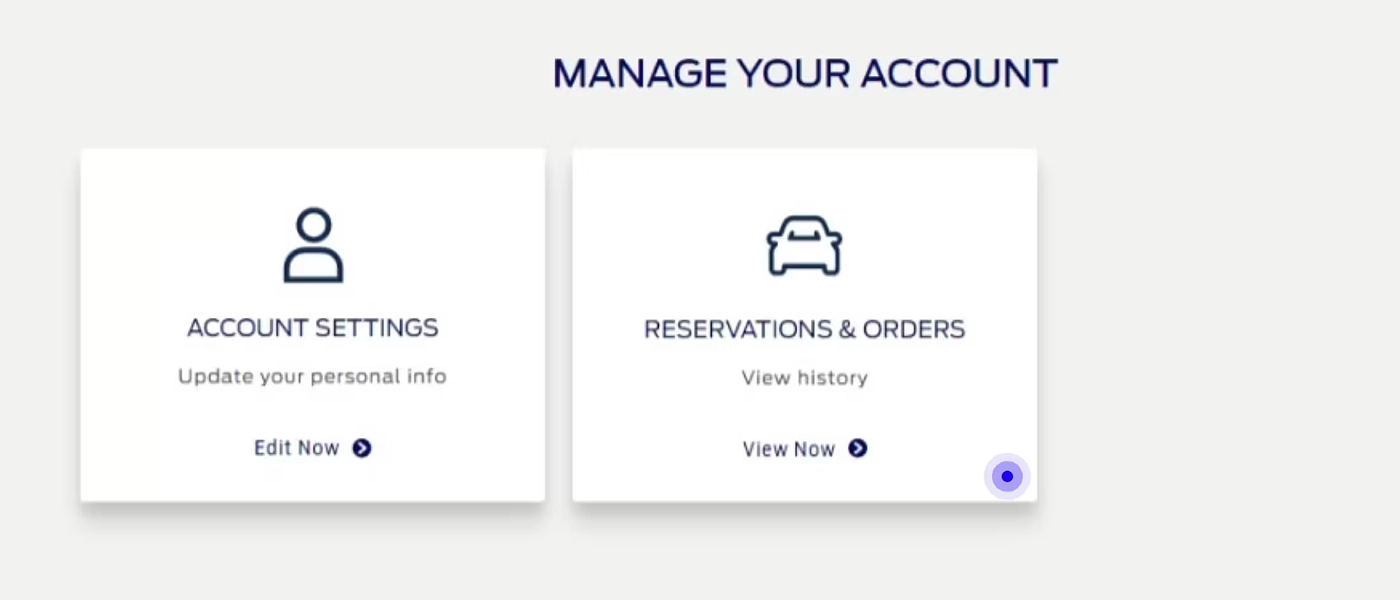
You can see your reservation by logging in to your Ford Member account and selecting the Manage Reservation.
When should I contact my dealer after I make an online reservation?
You can contact your dealer after you make your reservation and share your Reservation ID for reference to start the conversation. Your chosen Ford Dealer will also contact you to guide you through the purchasing process.
Can I change my dealer after online reservation?
You can cancel the reservation online and can reserve your Ford vehicle with another dealer.
How long does it take to deliver the vehicle after the online booking is made?
This will depend on many factors including the model you ordered, demand and your location. Your selected Ford Dealer will be able to give you more information. While we cannot give you a date right now, we can tell you that reserving your Ford vehicle online will enable you to be among the first to enjoy owning one.
Is the PhP 10,000 reservation deposit refundable?
Yes, reservation deposit is refundable. Allow 3-4 weeks for the reservation deposit to be credited to your original form of payment.
Where can I view the payment details for my reservation?
For online reservation, you can log in https://www.ford.com.ph/myaccount and view the deposit payment confirmation. You can also check the confirmation e-mail received from Ford Philippines.
What happens to the Reservation Deposit if I reserve a vehicle online?
The Reservation Deposit is sent to your dealer when you reserve online. When you confirm your order and complete purchase agreement at your Ford Dealership, your Ford dealer ship will be deducted from the final vehicle price.